Photo Handling Tips
Why scan your photos
Protect your photo history. Safeguard your keepsake family photos, documents and memories from the unexpected such as fire, tornado or flood. Are you going through a divorce and need to share photos with a spouse? Are you the executor to an Estate and need to share photos with your siblings or other family members? Need a photo slide show for a wedding, graduation or other party? Back them up digitally on a USB device, external hardrive or store them in places such as your personal cloud, Apple iCloud, into Dropbox, Google Drive and Microsoft OneDrive. Share your memories via email, FaceBook, Apple photos and more!
What can you scan
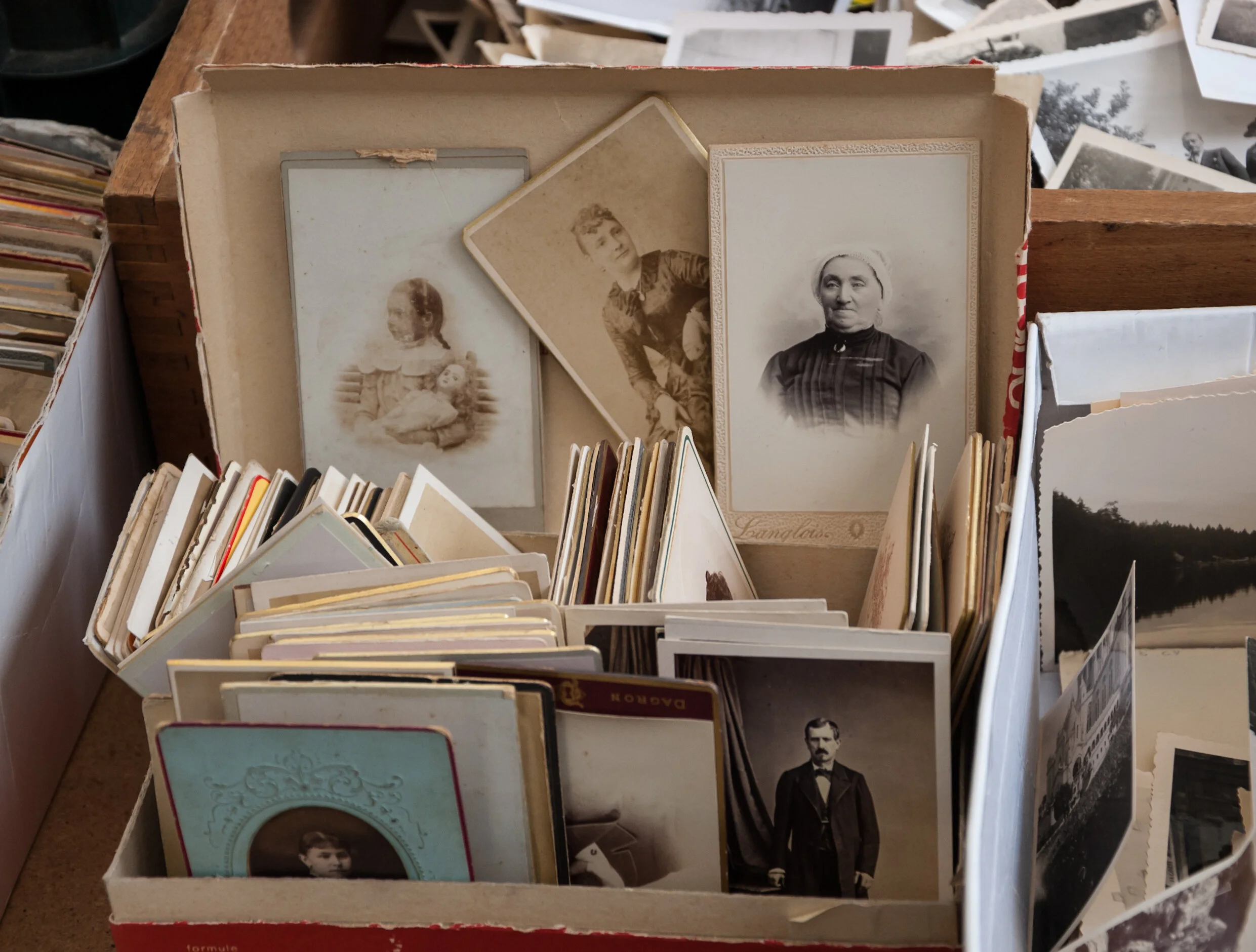
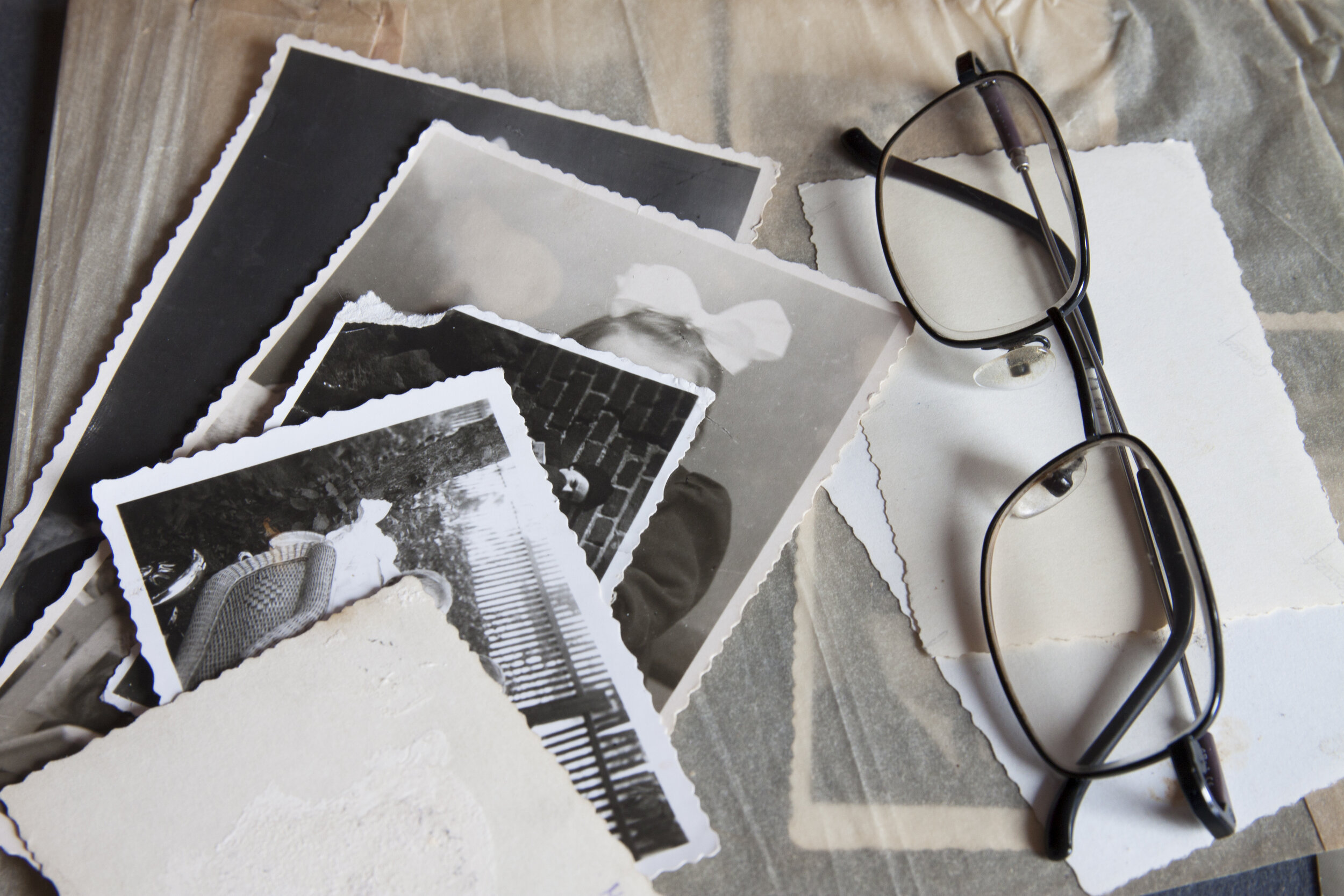
Memorabilia is much more than just photos. You can also preserve documents, postcards and notes, trading cards, Polaroids, ticket stubs and greeting cards.
When cleaning your photos, consider the following
Wear gloves — wearing cotton gloves while handling photographs may reduce the oils from your hands getting on the photos and minimize the amount of dirt and dust that collects in the scanner.
Cleaning photos — gently vacuum older prints that appear to be dusty. An alternative approach to cleaning photos is to use a microfiber cloth or similar wipes available from a photo retailer, which are lint-free, ultra-soft disposable non-abrasive wipes. Dust should always be removed in a way that will not harm the original photo.
Adhesives — sticky substances such as glue and other adhesives on photos, can be transferred to the imaging area of the scanner. Remove the adhesive with appropriate cleaners.
Uncurling your photos — photos that have significant curl may not transport effectively through the multi scanner. If possible, stacks of photos should be safely uncurled before scanning.
NOTE: Photos that are severely curled will be rotated 90 degrees so the curl is not in the direction of the transport.
Sorting your photos the proper way
When your photos are delivered to us, we will scan them in the order you give them to us. It will be easier for you to use your digital images if they are sorted prior to the scanning process.
Ideas for sorting are to sort by subject, date, location, holidays, weddings, birthdays, travels and other special occasions. If you will sort them and label the sort stack such as "1945", "Mom and Dad's Wedding 1928", we will scan them into a folder with that heading. If your photos are not sorted and labeled, they will be scanned in the order they are received.
Photo Sizes
The maximum width of any photo is 8”. Acceptable photo sizes are 3.5 x 5, 4 x 6, 5 x 7, 8 x 10, Polaroid photos, panoramic photos between 8” and up to 36”.
Unacceptable Photo Conditions
To protect our equipment and your photos, we cannot unfortunately accept the following photo conditions: Photos with oil, correction fluid or tape, or other liquid or residue, photos with materials stuck on the back sides, photos with glitter, tape or stickers attached, sticky photos, with staples or clips, curled corners, photos that are peeling, photos longer than 36 inches (914.4 mm), photos smaller than 2 × 2 inches (50.8 × 50.8 mm), perforated photos, torn photos.
Any photos that we choose not to scan will be put in a stack labeled “Not Scanned” and returned to you.